A prospect has just sent you their brief and asked for a quote. This run shows how CopyZap writes the follow-up email for a web design studio, sharpen.studio, from one sentence and the studio’s web development page. The email is in Spanish; this page explains every step in English.
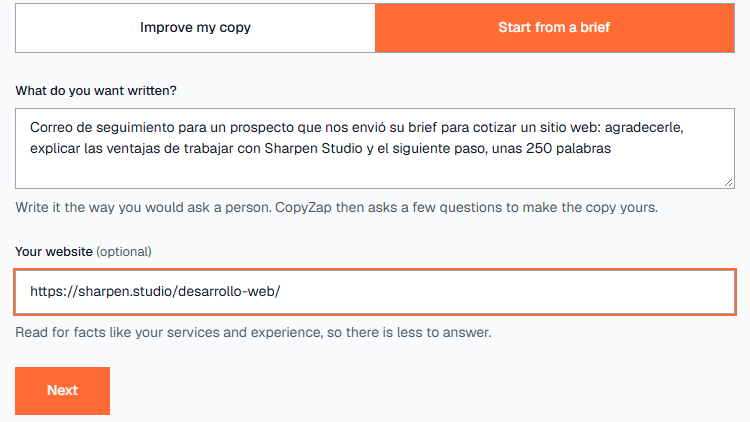
“Correo de seguimiento para un prospecto que nos envió su brief para cotizar un sitio web…, unas 250 palabras”
+ sharpen.studio/desarrollo-web/
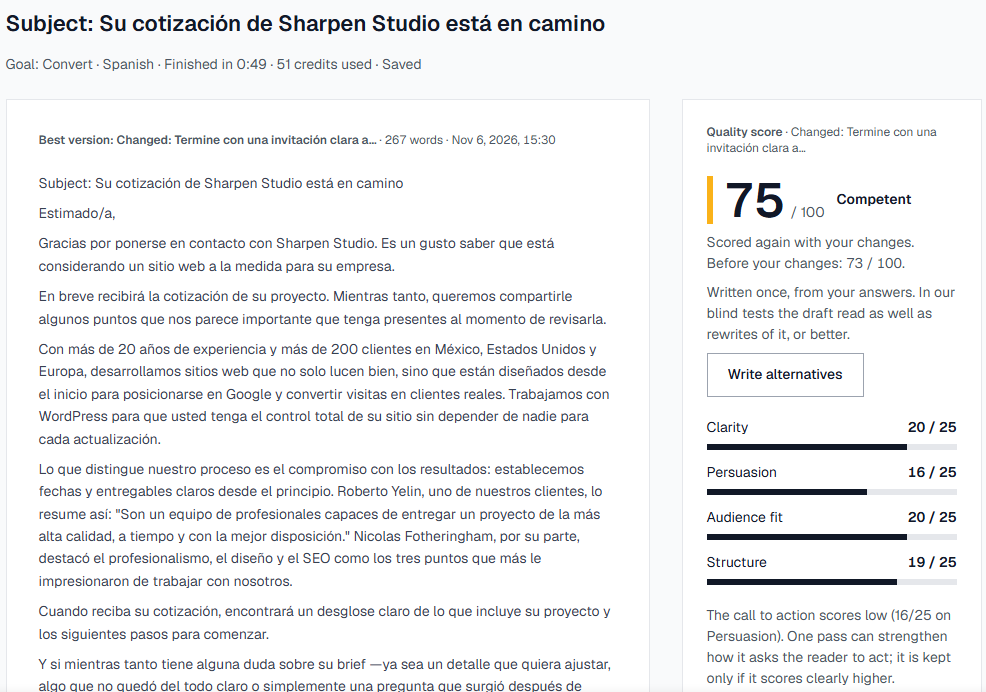
A 267-word email in Spanish
75 / 100 · Competent
subject line, formal usted · scored in under a minute · 51 credits
What we’re showing
One real CopyZap run in Spanish, from a one-line brief to a scored email. Nothing staged or edited.
The task
Thank a prospect who asked for a quote, give them reasons to choose the studio while they wait, and tell them what comes next. We gave CopyZap one sentence and the studio’s “Desarrollo web” page.
What we wanted to find out
Does CopyZap work as well in Spanish, take its facts and client quotes from the page instead of inventing them, and catch the one promise it couldn’t verify?
The outcome
A ready-to-send email with a subject line, real figures from the page, a real client quote and a second client mentioned by name. It scored 71 at first and 75 after we reworded one claim and changed the ending.
Every step
1. Write the brief in your language
Click New, then Start from a brief. We wrote the brief in Spanish and gave the studio’s web development page as the website, because that page has the facts the email needs.
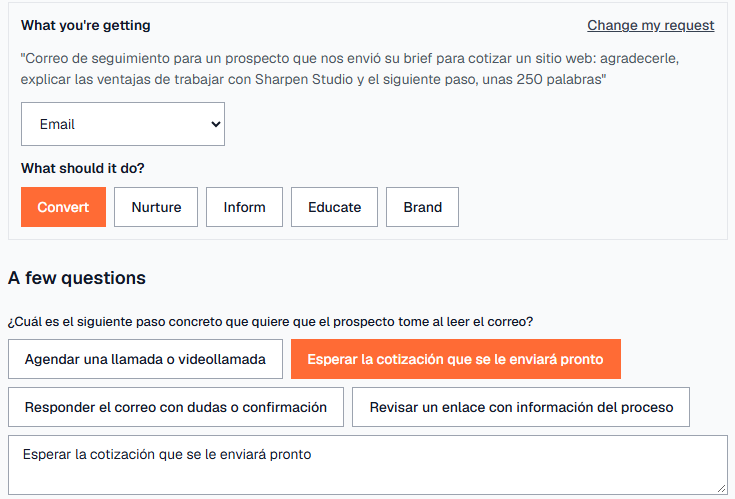
2. Kind of text, goal, and questions in Spanish
CopyZap chose Email and the goal Convert, and asked its questions in Spanish, the language of the brief. The first one asks what the reader should do next. The prospect is waiting for the quote, so we tapped “Esperar la cotización que se le enviará pronto” (wait for the quote, which is coming soon).
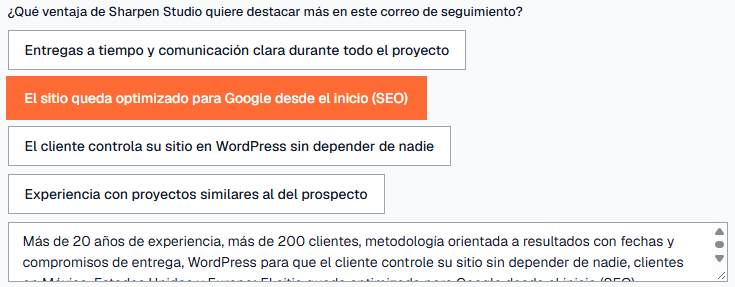
3. The facts come from your page
For “which advantage should we stress?”, we tapped SEO. CopyZap had already filled the box below from the page: more than 20 years of experience, more than 200 clients, a results-driven method with set dates and deliverables, WordPress so the client controls the site, and clients in Mexico, the US and Europe. Check it and correct anything that’s out of date.
4. Language, country and formality
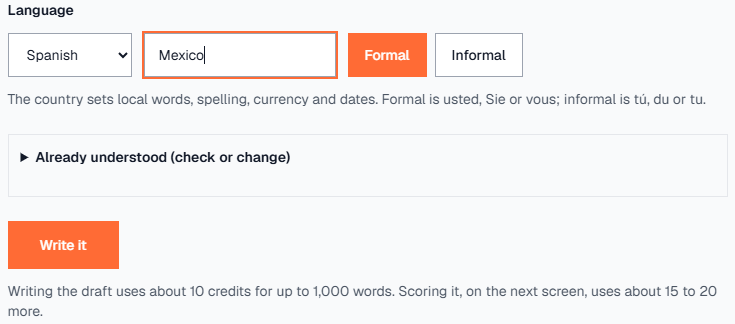
Spanish, Mexico, Formal. The country sets local words, spelling, currency and dates. Formal means usted, which suits a first email to a prospect. One question, about what kind of business sent the brief, needed an answer before we could write. We gave the studio’s usual audience: mid-sized companies in Mexico looking for a custom website.
5. Two more details, optional
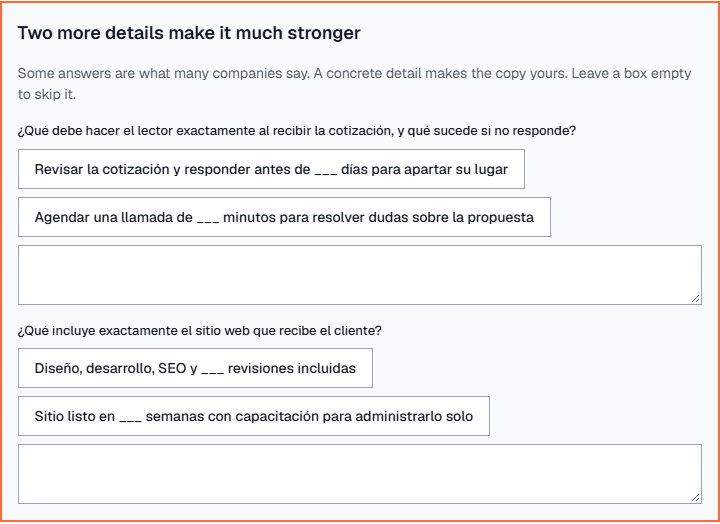
CopyZap asked for two concrete details: what happens after the prospect receives the quote, and what exactly the website includes. These make the email stronger, but only with real numbers. We didn’t have them, so we left both boxes empty, which skips them.
6. The draft, checked before scoring
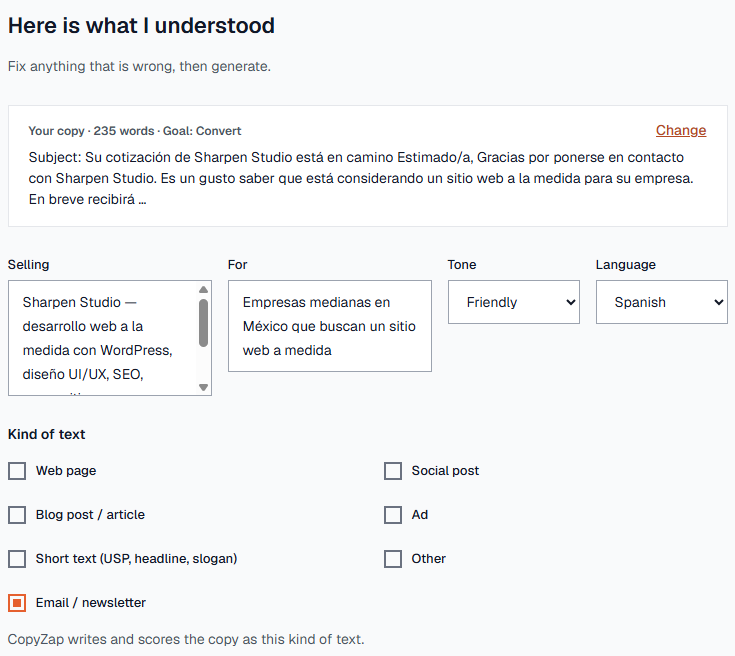
The draft has 235 words, with a subject line. It opens on a check screen. CopyZap chose a Friendly tone for an email, and you can change it. Click Looks right, generate to have it checked and scored.
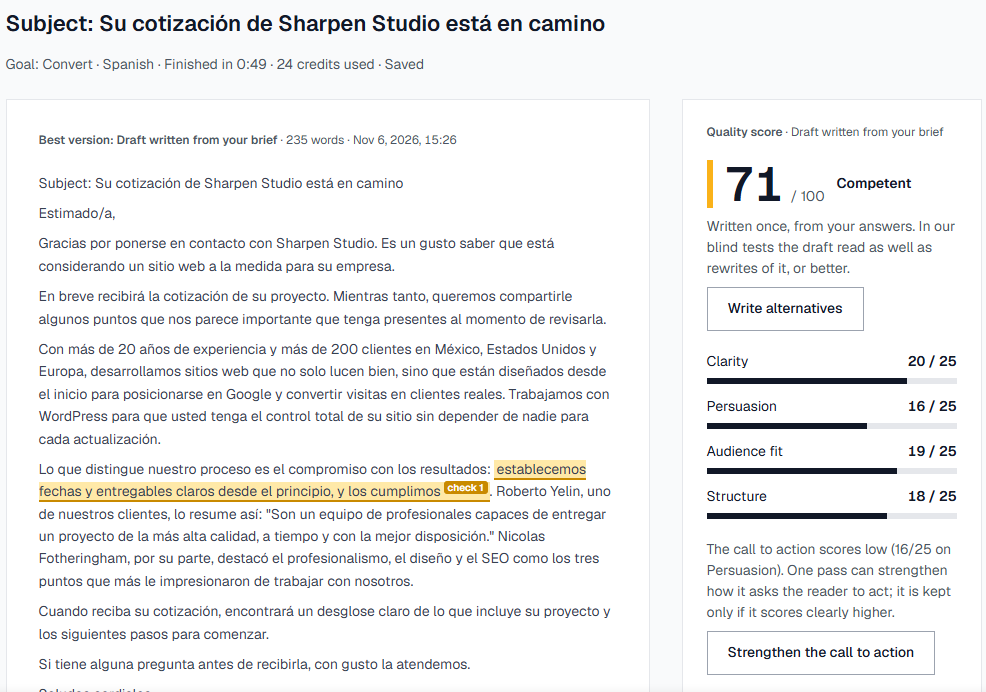
7. Scored in 49 seconds: 71
The email scored 71 / 100. It uses the real figures from the page and quotes a real client testimonial from it and names a second client. One phrase is highlighted as a claim to check.
8. Read why, and what’s still weak
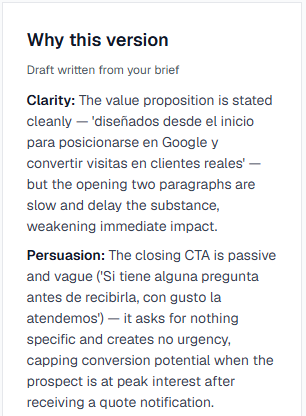
Why this version says the value is clear but the ending is passive: “Si tiene alguna pregunta…, con gusto la atendemos” (if you have any questions, we’re happy to help) asks for nothing specific. That’s the part to fix.
9. Change the ending in your own words
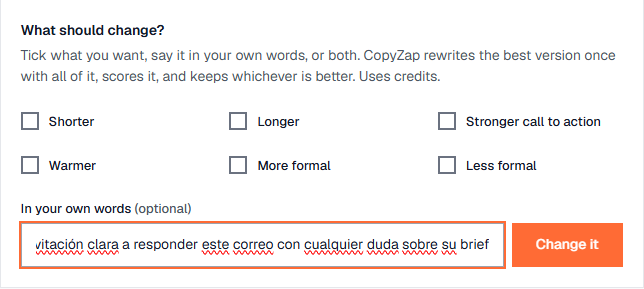
Under What should change? we wrote, in Spanish: end with a clear invitation to reply to this email with any question about their brief. CopyZap rewrote the email once and scored it. The new ending invites the prospect to reply directly with anything they want to adjust or ask.
10. Check the one claim
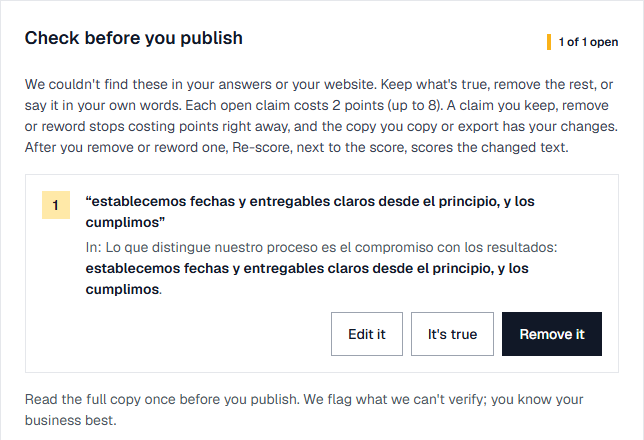
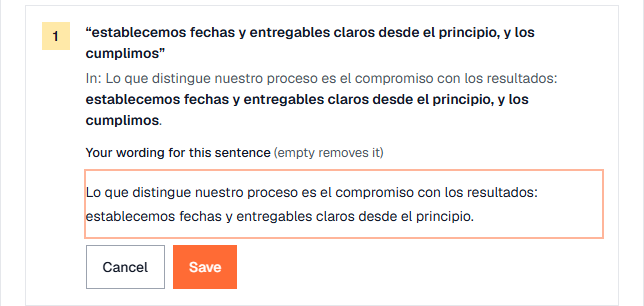
The page says the studio sets dates and deliverables from the start. The email added “y los cumplimos” (and we meet them). That’s a promise the page doesn’t make, so CopyZap flagged it. It may well be true, but you should decide. We reworded the sentence to what the page says, using Edit it.
11. Re-score: 75
Re-scoring takes about 30 seconds and leaves your text exactly as it is. The final email scores 75 / 100, up from 71, and has no open claims. Copy it, or export the report from More….