Already have a page? Give CopyZap its address. It takes the text, rewrites what should be rewritten, keeps what shouldn’t, and scores the new version against your original. This is a real run on a web design studio’s home page, sharpen.studio. Every screenshot is from it.
sharpen.studio/en
63 / 100 · Below average
806 words taken from the page
A rewritten home page
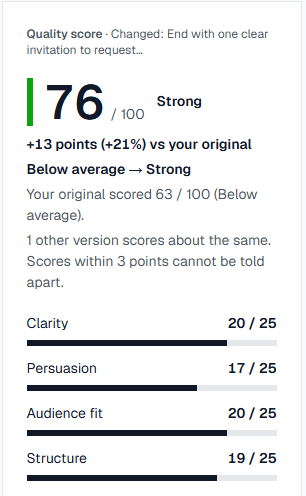
76 / 100 · Strong
+13 points · testimonials kept word for word · about 6 minutes · 74 credits
What we’re showing
One real CopyZap run on a live home page, from its URL to the final version. Nothing staged or edited.
The task
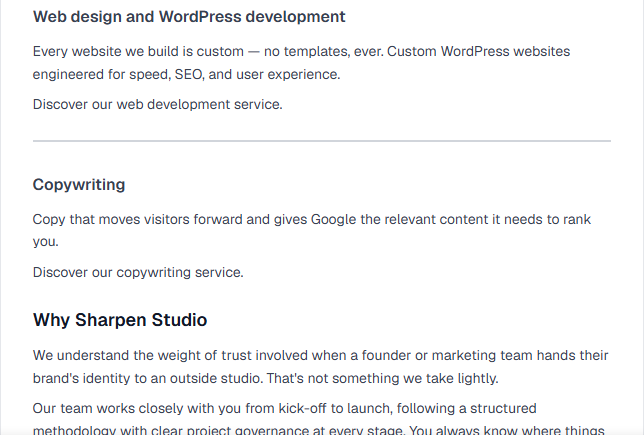
Make the studio’s English home page better at its job: getting visitors to ask for a quote (the goal “Convert”). We gave CopyZap the address and nothing else, plus one true answer about how the studio works.
What we wanted to find out
Does CopyZap tell a page’s real content apart from links and labels, leave client testimonials alone, avoid inventing facts, and show honestly when a change doesn’t help?
The outcome
The rewrite scored 75, up from 63. One “Strengthen the call to action” pass didn’t beat it, and CopyZap said so. A change we asked for in our own words took it to 76, Strong. Testimonials were kept word for word.
Every step
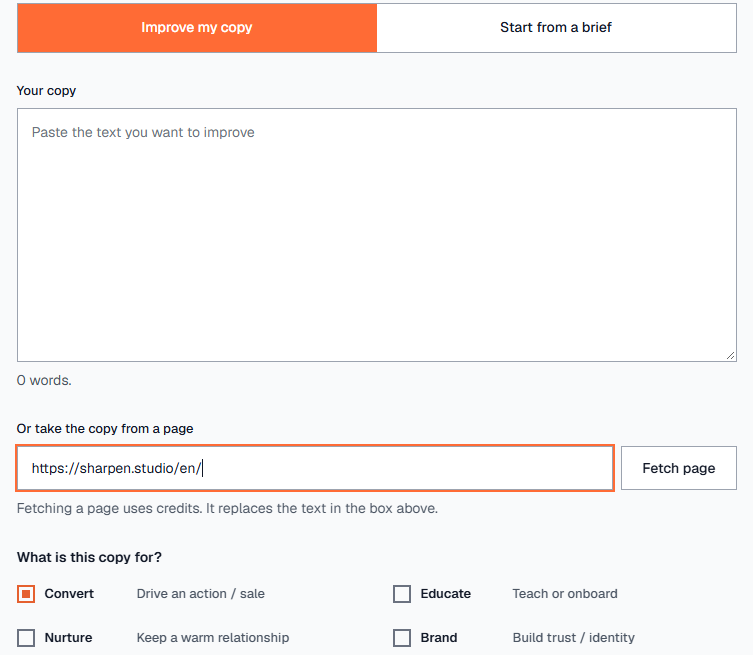
1. Enter the page address
Click New and stay on Improve my copy. You can paste your text in the box, or put the page’s address in Or take the copy from a page and click Fetch page. Fetching uses a couple of credits.
2. Check the text and say what it’s for
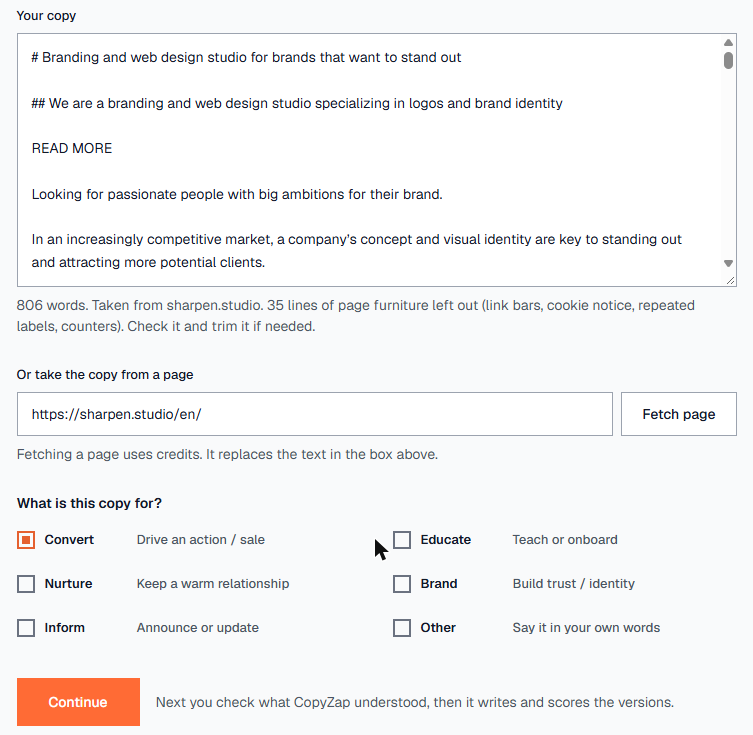
CopyZap puts the page’s text in the box: 806 words, with link bars, cookie notices and other page furniture already left out. Trim anything else you don’t want. Then choose what the copy is for. A home page that should bring in quotes is Convert, which is already selected.
3. Check what CopyZap understood
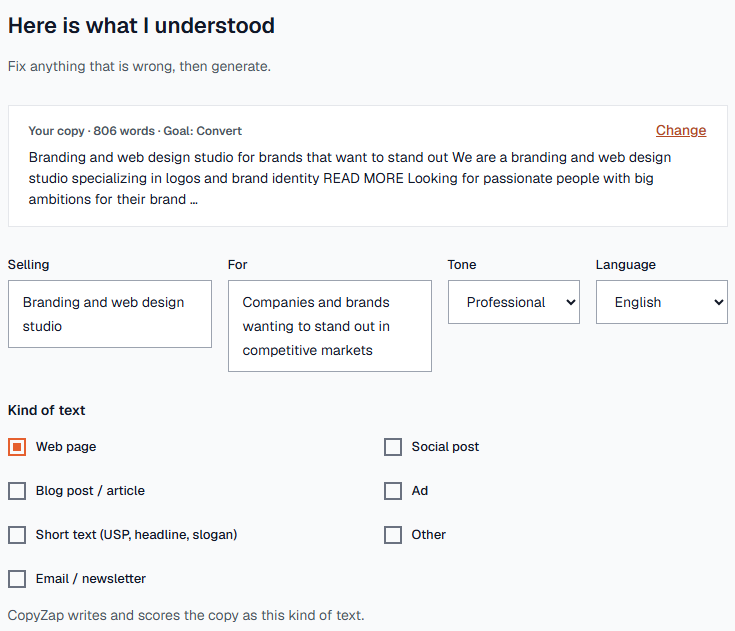
Click Continue. After a few seconds you see what CopyZap took from the page: what it sells, who it’s for, the tone, the language and the kind of text. Fix anything that’s wrong. The kind of text matters, because a web page is scored differently from a blog post or an email.
4. Decide what happens to each part
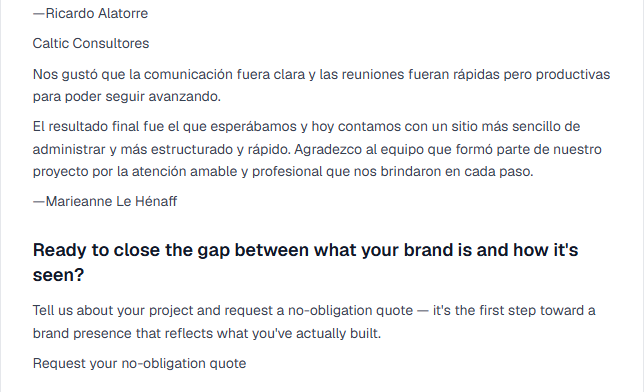
The page is split into parts, and each one is set to Improve, Keep as is or Leave out. CopyZap pre-sets the obvious ones. Leftovers like “READ MORE” and lists of link labels are left out. The five client testimonials are kept word for word, because nobody should rewrite what a client said. Change any of these with one click.
5. Make it stronger: real facts only
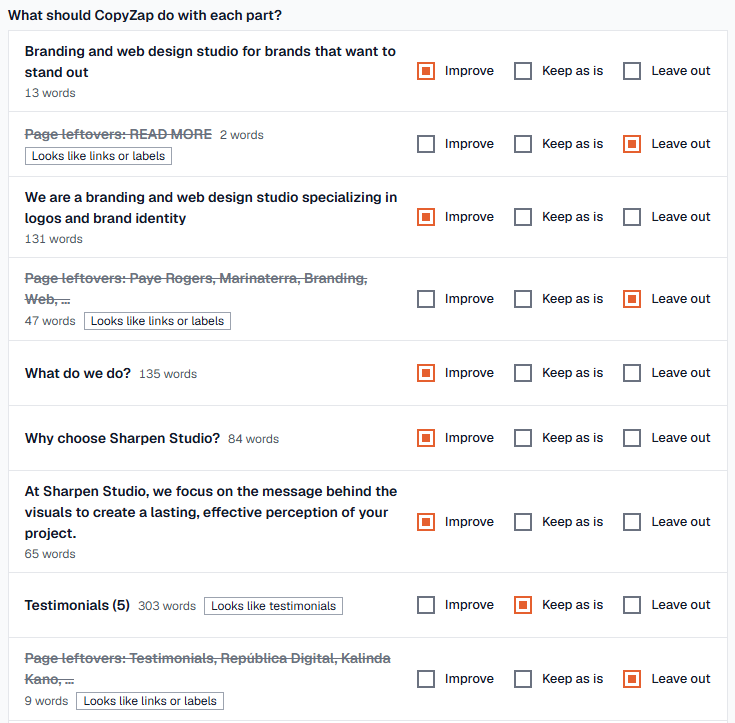
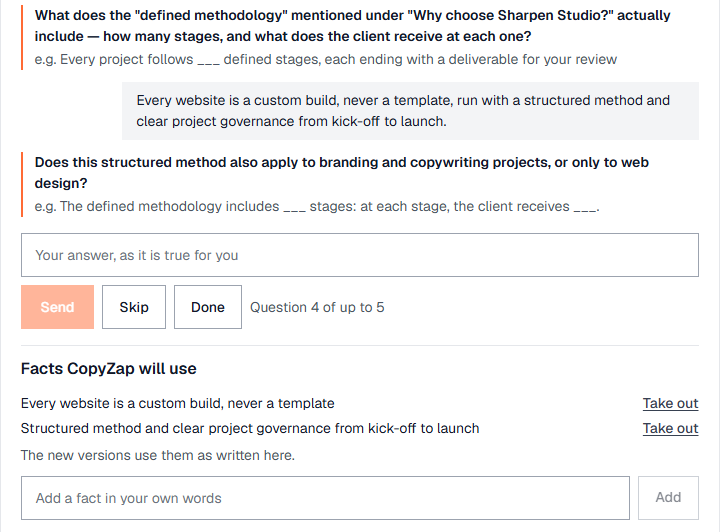
CopyZap scores the page as it is (63 / 100) and asks up to five questions about what’s missing, each with suggested answers. Tap one and fill the blank (___) with your own number, or write your own answer.
6. Skip what you can’t answer truthfully
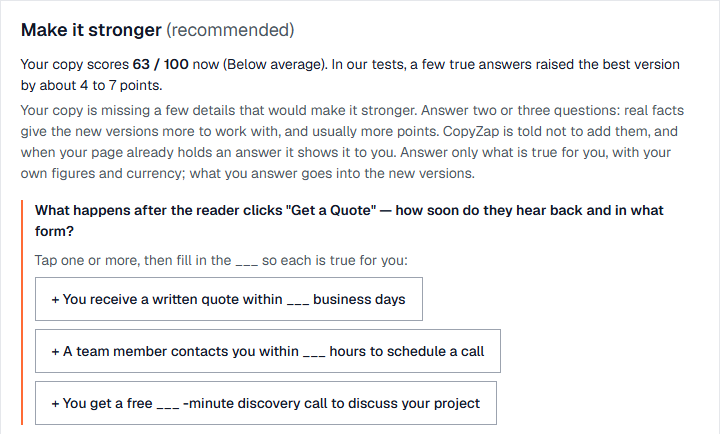
CopyZap won’t invent these facts, so if you don’t know an answer, click Skip. We skipped how fast the studio answers a quote request and what its prices are, because we didn’t have real figures.
7. Answer in your own words
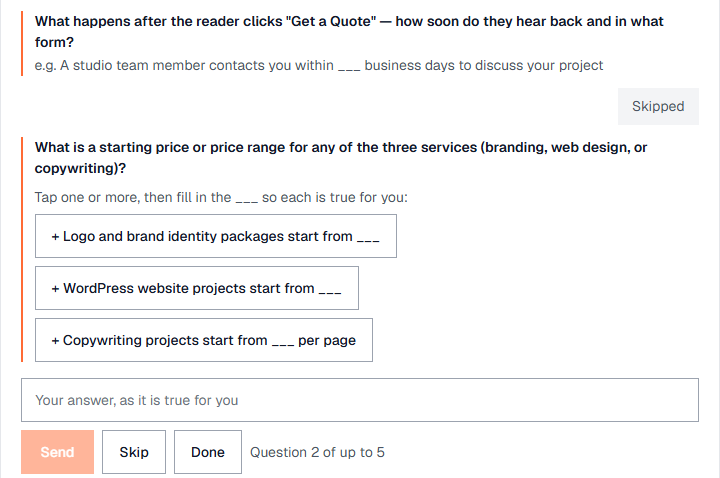
For the question about the studio’s method, we wrote one true sentence. CopyZap split it into two facts, listed under Facts CopyZap will use, each with a Take out link. You can also add a fact of your own at any time. Click Done when you’ve said enough.
8. Choose one version or three
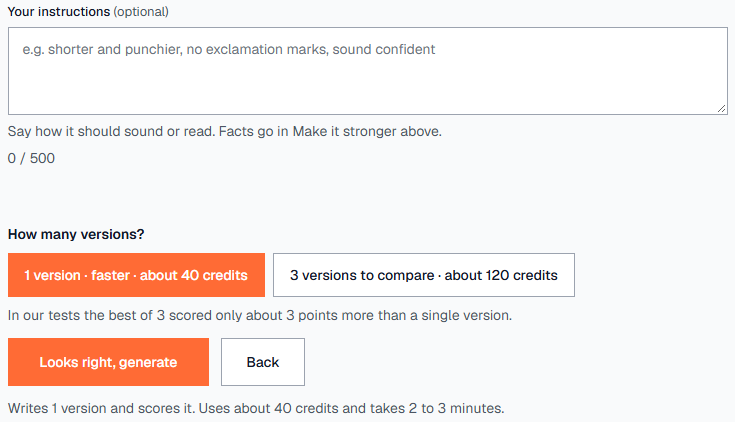
Add instructions if you like (how it should sound, up to 500 characters). Then choose 1 version (about 40 credits) or 3 versions to compare (about 120). In our tests the best of three scored only about 3 points more, so we kept the default: one version. Click Looks right, generate.
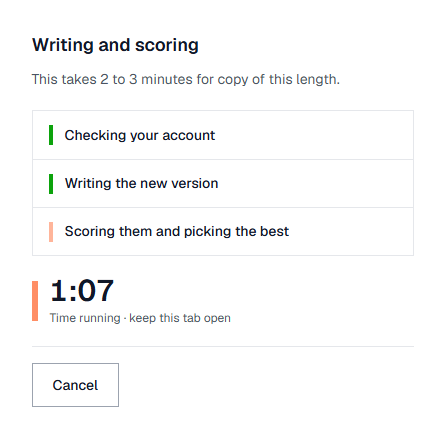
9. The result: 63 → 75
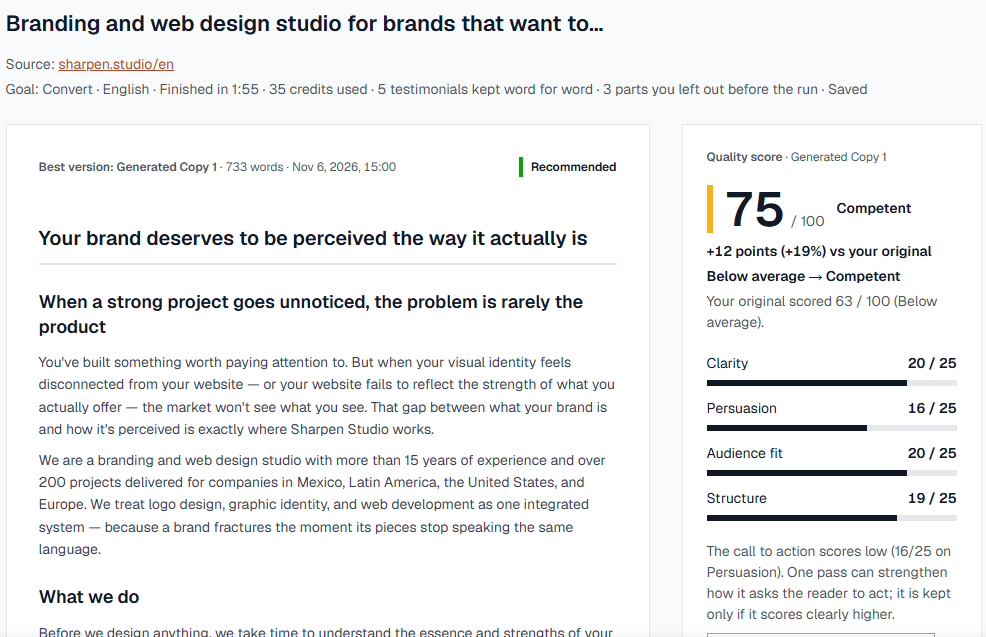
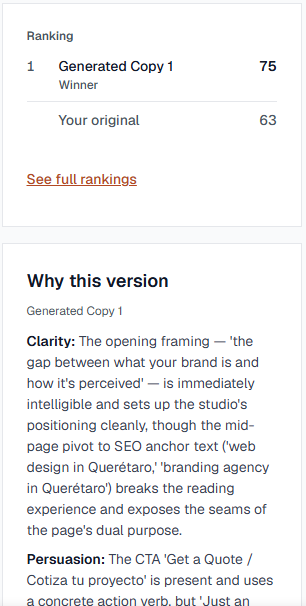
The new version is on the left and its score on the right: 75 / 100, Competent, +12 points over the original. The score has four parts of 25 points each: Clarity, Persuasion, Audience fit and Structure. The line under the title lists what was kept and left out.
10. Your facts are in the new copy
The sentence we gave in step 7 shows up where it helps the reader: “Every website we build is custom — no templates, ever” and “from kick-off to launch, following a structured methodology”. Compare it with your original any time using Your original in the bar at the bottom.

11. Read why, and what’s still weak
Why this version explains each part of the score in plain words, including what still holds it back. Here: the call to action was the weakest part (16 / 25 on Persuasion), and the SEO links in the middle of the page interrupt the reading.
12. One click for the weakest part
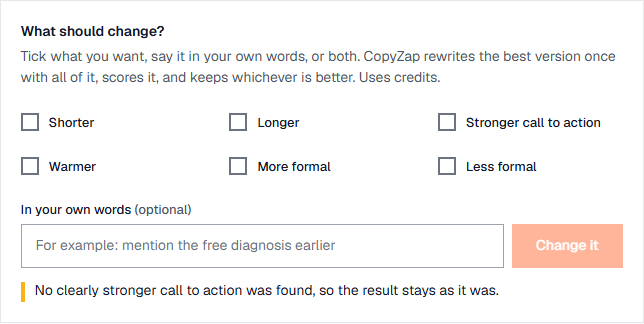
When one part scores low, the bar at the bottom offers a fix: here, Strengthen the call to action. CopyZap rewrites once and scores again, and keeps the new text only if it scores clearly higher. This time it didn’t, and CopyZap said so. You never get a worse version swapped in.

13. Change it, in your own words
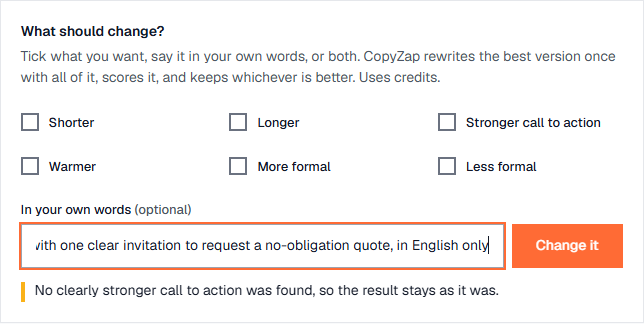
Change it lets you tick what you want (Shorter, Longer, Stronger call to action, Warmer, More formal, Less formal) and say anything else in your own words. We wrote: end with one clear invitation to request a no-obligation quote, in English only, because the original page ended with two buttons, one of them in Spanish.
14. 76, Strong, with an honest note
The changed version scored 76 / 100, Strong, +13 over the original, and became the best version. CopyZap also says that the previous version scores about the same, since scores within 3 points can’t be told apart. The page now ends with one clear invitation, and the testimonials above it are untouched.