
Ask for a change
Want to improve marketing copy further? Click Change it. Tick what should change, say it in your own words, or both. CopyZap rewrites the best version once with all of it, scores it, and keeps whichever is better — your result never gets worse by asking.
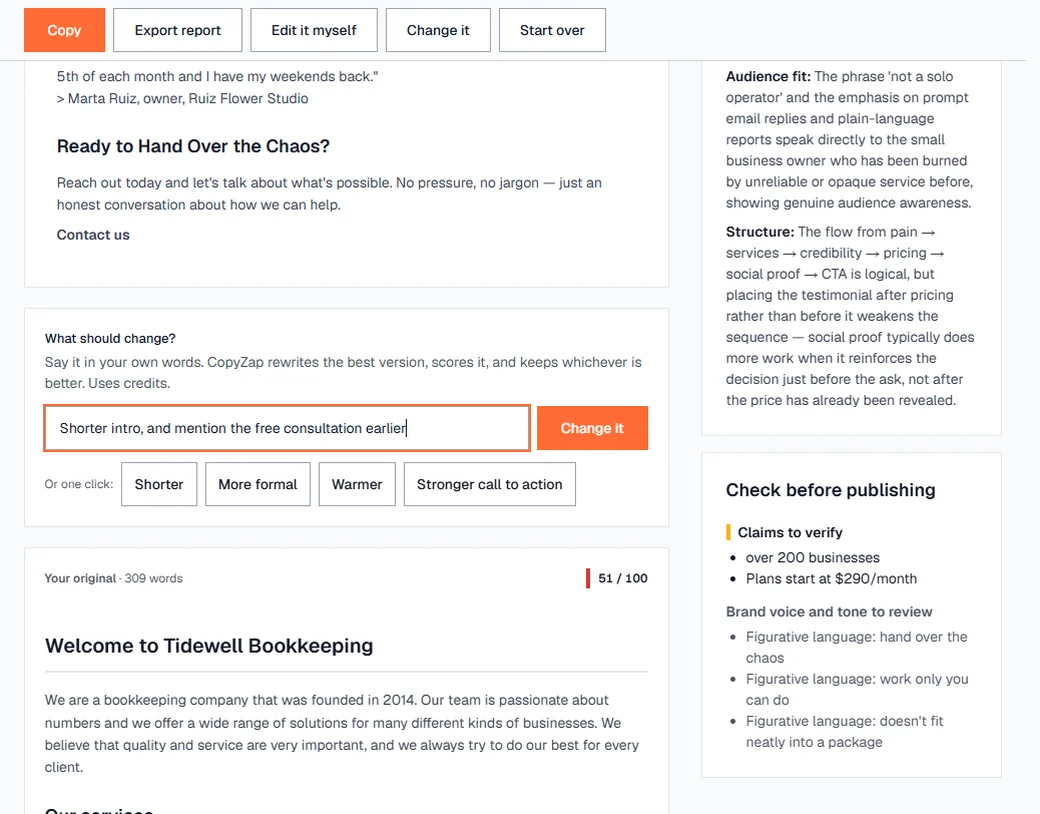
The six tick boxes:
- Shorter or Longer — to about the number of words you set. CopyZap suggests a quarter fewer or a third more and shows what's possible (“now 339; 128 to 338 possible”). Shorter keeps headings and key facts and drops repetition and filler; Longer explains more fully what the text already says, without adding facts. Parts you kept as they are stay untouched.
- Stronger call to action — a clearer, more direct ask.
- Warmer — friendlier and more personal.
- More formal or Less formal — the register. Ticking one unticks the other, as with Shorter and Longer.
Tick as many as you like — it's the quickest way to improve marketing copy that is almost right. Afterwards CopyZap tells you how many words the new version has (“It has 285 words; you asked for about 254”), and names it after what changed, for example “Changed: Shorter to 254 words, Stronger CTA, own words”. Each change uses credits.
Good requests are specific: “Mention the free consultation in the first paragraph” works better than “make it better”.
Edit it yourself
Click Edit it myself to change the best version directly, as plain text. Nothing is rewritten for you, so it costs only a scoring run. When you're done, click Score my edit.
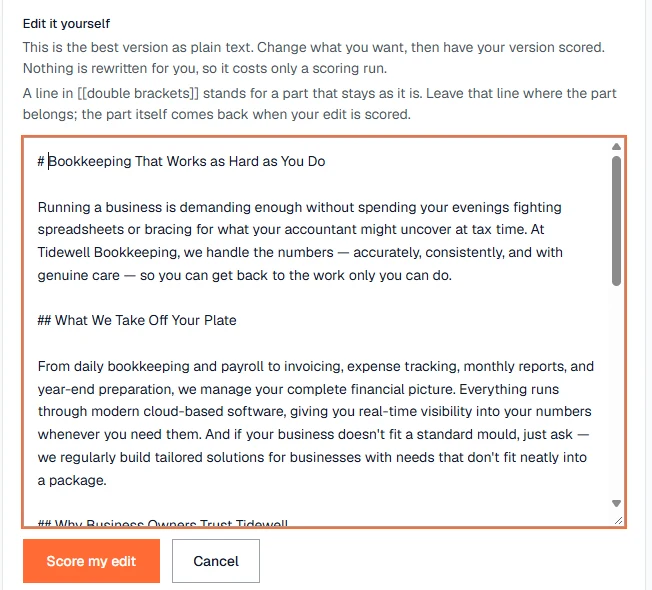
The new score tells you straight away whether your change made the page better or worse.
Copy and export the report
Copy puts the best version on your clipboard, ready to paste into WordPress or any page builder.
Export report saves an HTML file you can open in any browser and send to your client. It contains:
- the CopyZap logo, the date, and the time zone of the times shown;
- the original score and the winner's score, with the difference;
- a summary of the inputs: goal, tone, audience, source page, which parts were kept, and the facts you added under Make it stronger;
- the original, all three versions and any changed versions, each with its score, reasons and the time it was made;
- a comparison and ranking of all versions.
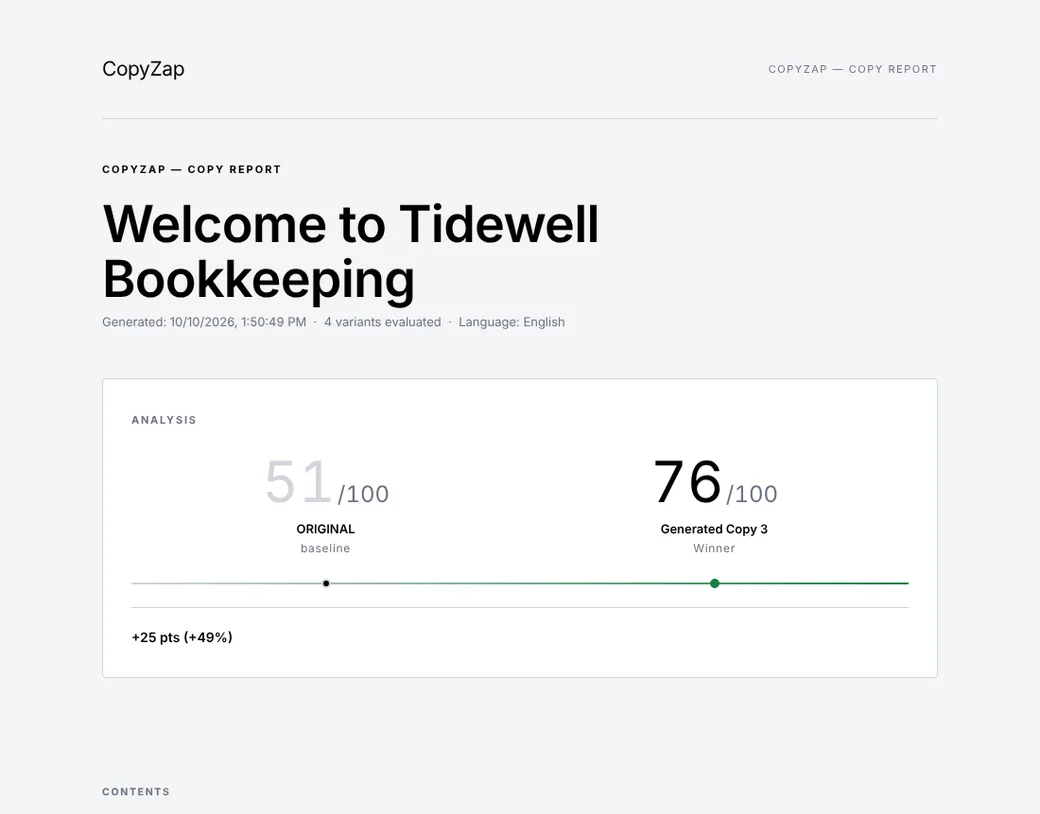
The report is always in English. The copy inside it stays in its own language.