
No copy yet? Tell CopyZap what you need in one sentence and give it your website. This is a real run for a web design studio, sharpen.studio. Every screenshot is from it.
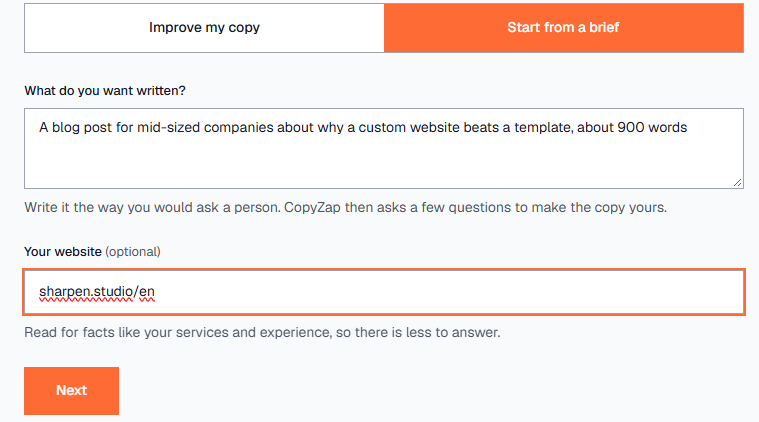
“A blog post for mid-sized companies about why a custom website beats a template, about 900 words”
+ sharpen.studio/en
927-word post
81 / 100 · Strong
with meta description · about 4 minutes · 58 credits
What we’re showing
One real CopyZap run from start to finish, on a real studio’s website. Nothing staged or edited.
The task
A web design studio needs a blog post for mid-sized companies on why a custom website beats a template, about 900 words. All we gave CopyZap was one sentence and the studio’s website.
What we wanted to find out
Can CopyZap write a usable post from almost nothing, without inventing facts about the studio, and does it show what still needs checking?
The outcome
A 927-word post with a meta description. It scored 71 at first and 81 (Strong) after we checked 4 claims. The facts came from the studio’s own website, and everything CopyZap couldn’t verify was flagged for us to check.
Every step
1. Say what you want
Click New, then Start from a brief. Write what you need the way you’d ask a person: what it is, who it’s for, and how long. Add your website if you have one. CopyZap reads it for facts like your services and experience, so there’s less for you to answer.
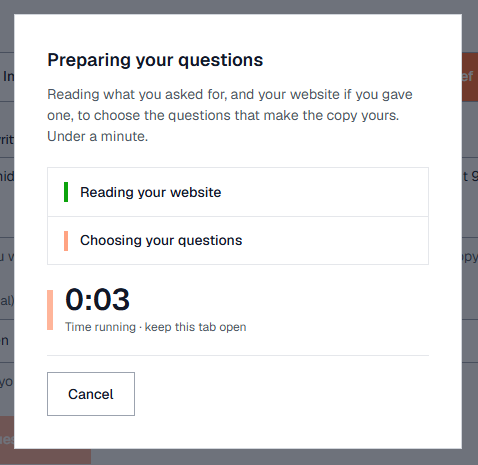
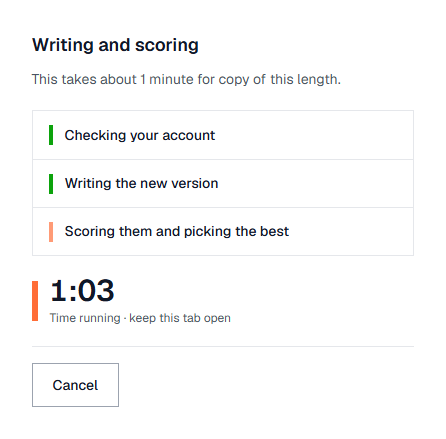
2. CopyZap reads your site and picks its questions
This takes under a minute. Keep the tab open.
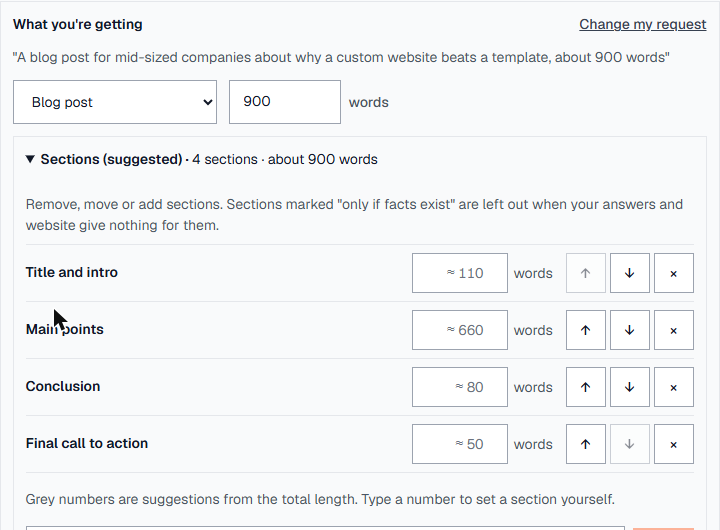
3. Check the kind of text, the length and the sections
CopyZap understood a blog post of 900 words and suggested four sections, each with a word count. You can change the kind of text (15 kinds, from homepage to product description) and the total length.
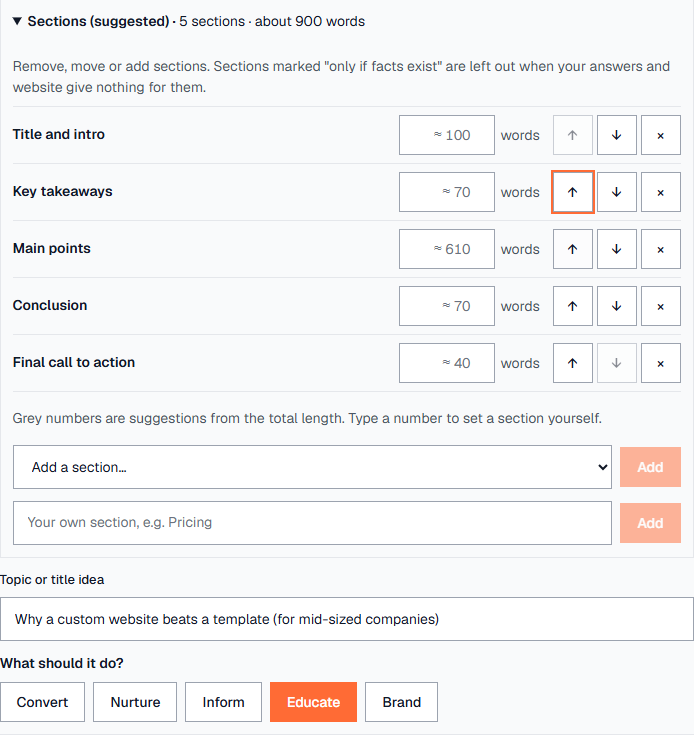
4. Add, move or remove sections
We added Key takeaways from the list and moved it under the intro with the arrows. The other sections shrank to keep the total at 900 words. You can also type a section of your own, change the title idea, and choose what the post should do (here: Educate).
5. Answer a few questions, only what’s true
Each question has suggested answers. Tap one, or write your own in the box. Skip anything you can’t answer truthfully, because CopyZap won’t make it up. We only answered who the post is for.
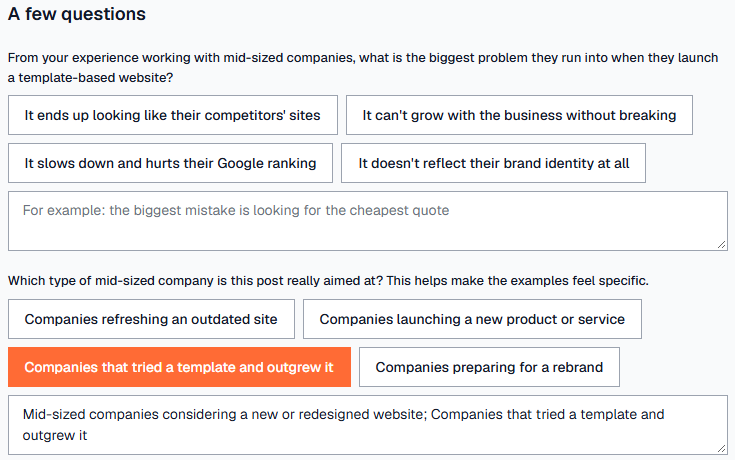
6. Answers from your website are already filled in
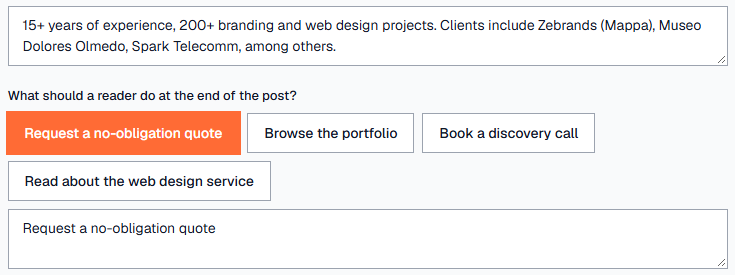
For “any specific results from past projects?”, CopyZap had found the answer on the website: 15+ years, 200+ branding and web design projects, and named clients. Check that it’s still true. Then choose what the reader should do at the end. We picked Request a no-obligation quote, which is what the studio offers.
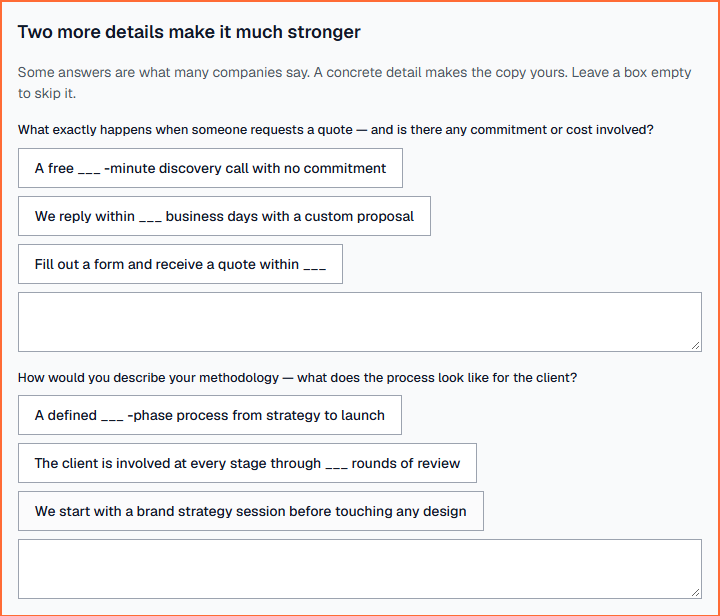
7. “Two more details make it much stronger”
When an answer is something many companies say, CopyZap asks for one or two concrete details before writing. These are optional. Leave a box empty to skip it. We left both empty, because we didn’t have real numbers to give.
8. Write it, check it, score it
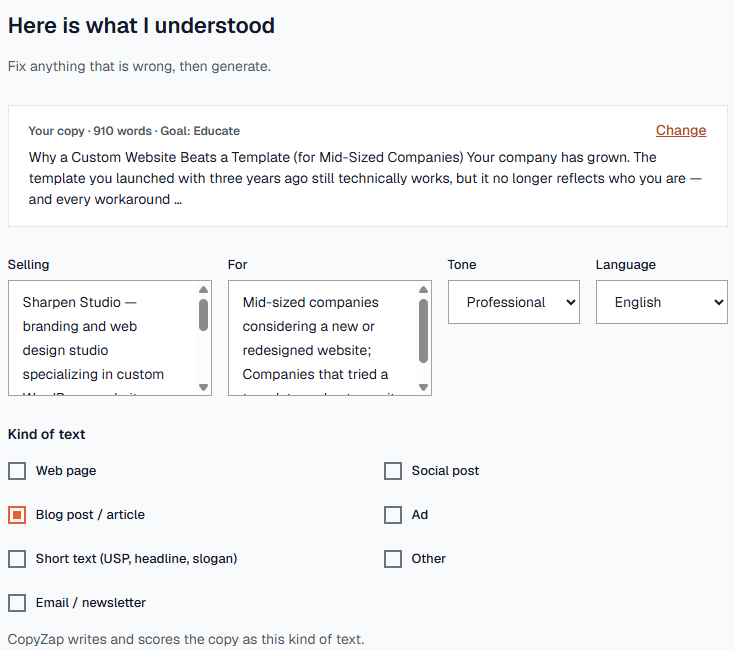
Write it writes the draft (about 10 credits for up to 1,000 words). Our draft was 910 words. It opens on a check screen showing what you sell, who it’s for, the tone, the language and the kind of text. Click Looks right, generate to have it checked and scored (about 20 credits).
9. Your post, scored
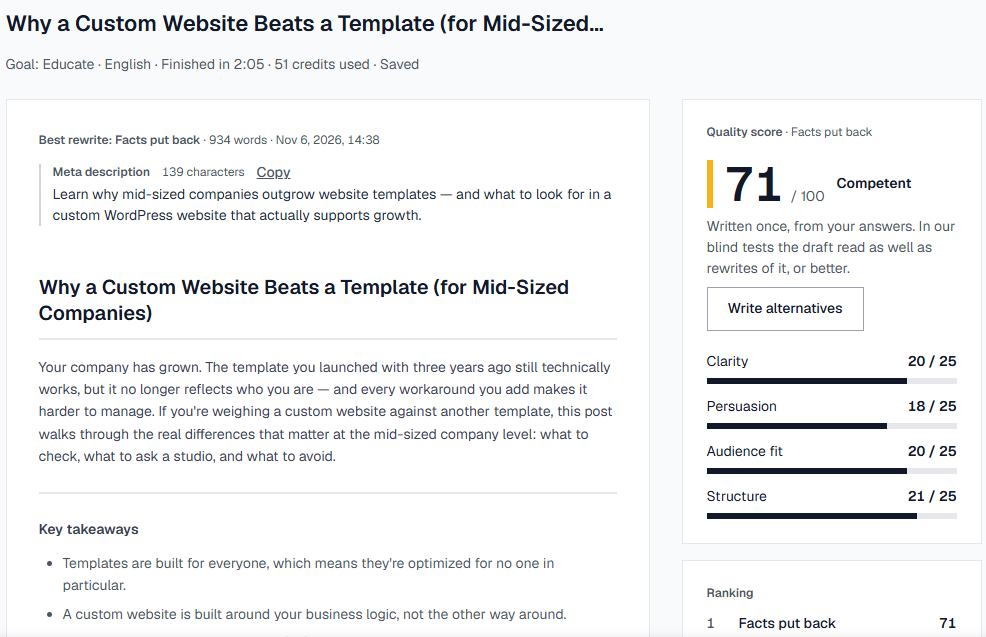
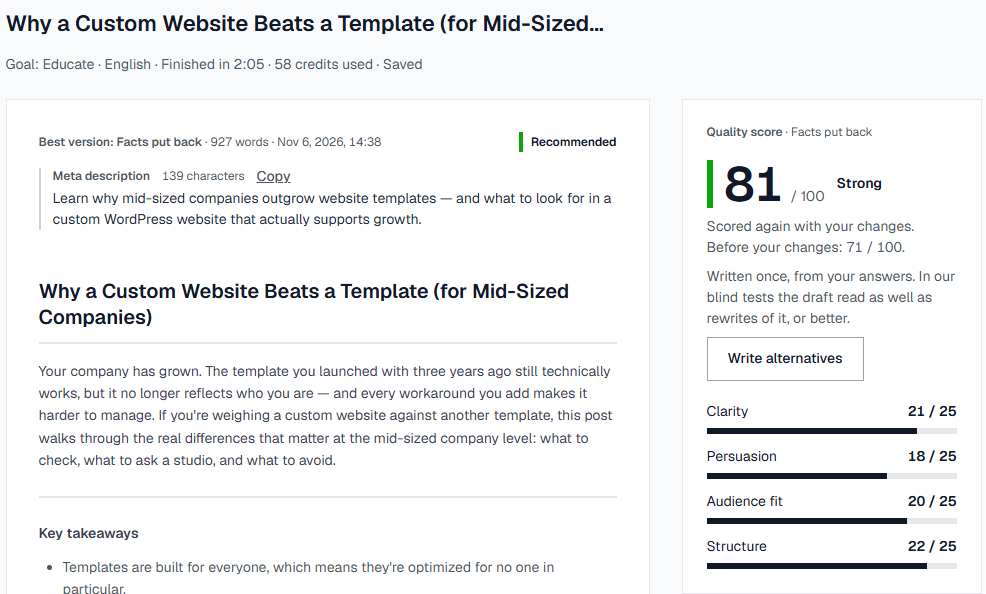
The post scored 71 / 100. The score has four parts of 25 points each: Clarity, Persuasion, Audience fit and Structure. Blog posts come with a meta description you can copy.
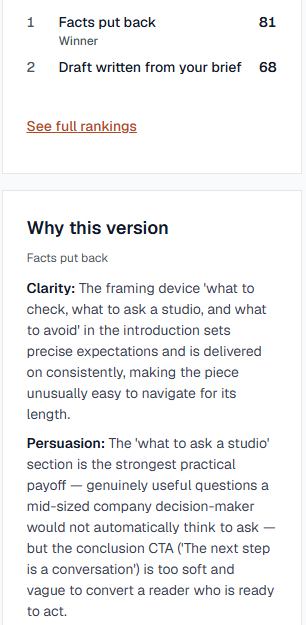
If the draft left out a fact you gave, CopyZap adds a version with the fact put back and keeps whichever scores better. Here that was Facts put back.
10. Check the claims before you publish
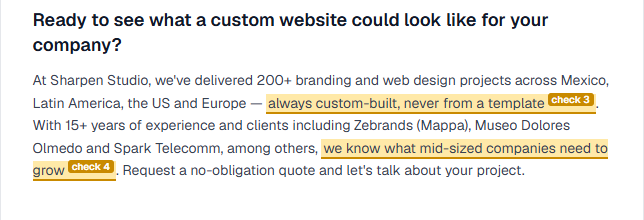
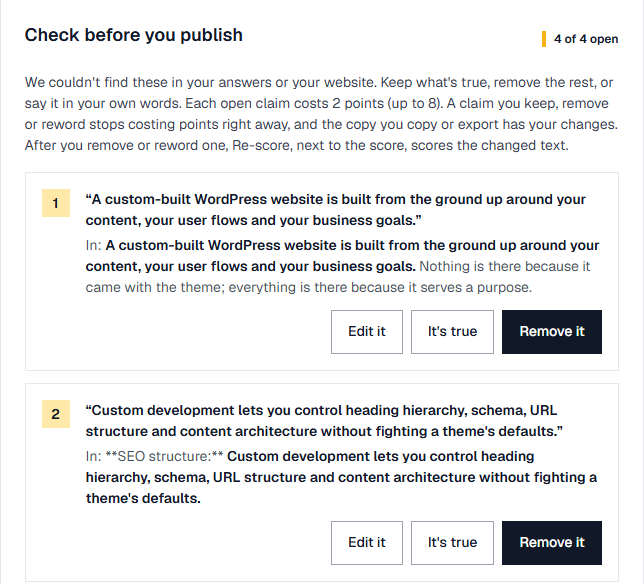
Anything the post states that isn’t in your answers or on your website is highlighted and listed under Check before you publish. Each open claim costs 2 points (up to 8 in total), because a claim nobody checked is a risk.
11. Keep it, reword it, or remove it
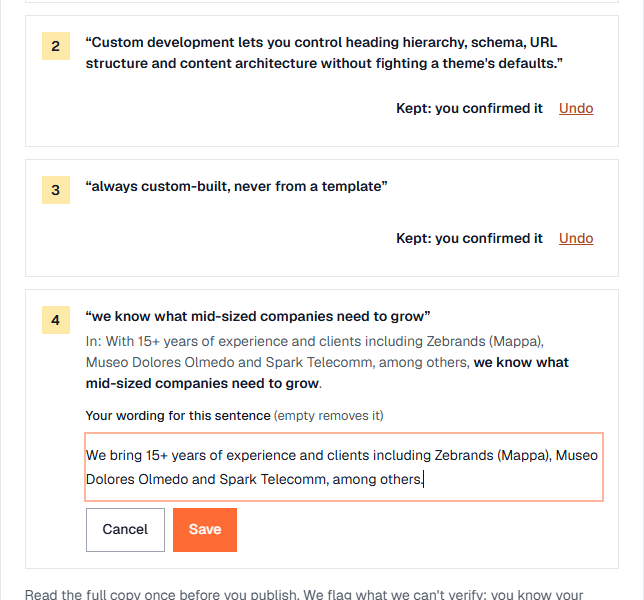
For each claim, choose It’s true, Edit it or Remove it. We kept three that are true, and reworded the fourth, “we know what mid-sized companies need to grow”, into a sentence that only states facts. Every choice has an Undo.
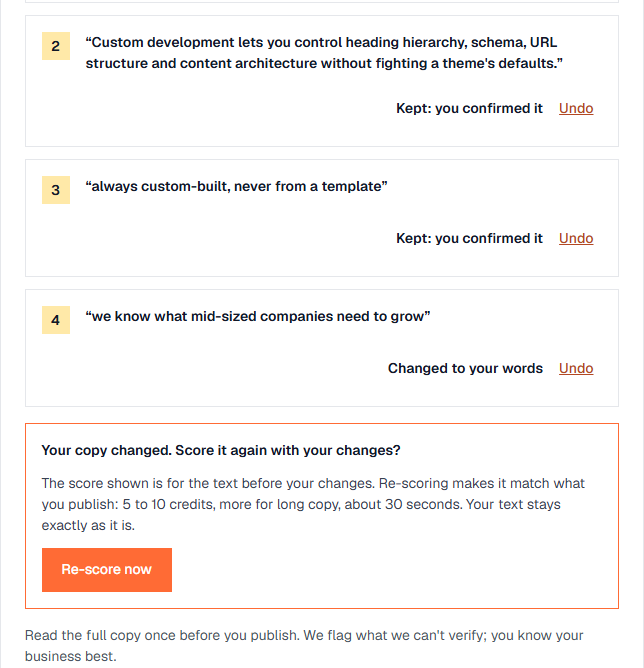
12. Re-score: 71 → 81, Strong
Re-scoring costs 5 to 10 credits and takes about 30 seconds. Nothing is rewritten: the text you’ll publish is scored as it is. Here it went from 71 to 81 / 100, Strong.
13. Read why, and what’s still weak
Why this version explains each part of the score in plain words. It also says what could still be better. Here: the closing line, “The next step is a conversation”, is too soft for a reader who is ready to act. Fix it yourself with Edit, or ask for it with Change it.
14. Copy it, export it, or get a second opinion
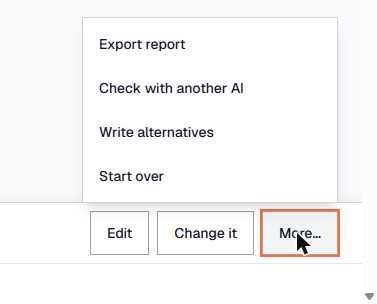
Copy copies the post with all your changes. More… has Export report, Check with another AI (a ready-made check for ChatGPT, Claude or Grok), Write alternatives and Start over.
15. It’s saved in History
Every run is saved automatically. Open it again any time, see the brief you gave, rename it or delete it.
