
You did the work. You ran your client’s copy, picked the best version and can show exactly why it scores higher. Then you send the report, and the first thing your client sees at the top is someone else’s logo.
Until today, that’s how every CopyZap report looked. The scores and the proof were yours to share, but the page carried our name, not yours.
That changes now. With any credit pack, your reports can carry your own logo, your company name and your own footer line, and CopyZap’s name is removed from the report. Your client sees one brand on the page: yours.
Watch it in under two minutes
What changes on the report
Three things change, and everything else stays the same:
- Your logo sits at the top, where the CopyZap logo used to be.
- Your company name appears in the report header, for example “Northlight Studio — Copy report”.
- No CopyZap anywhere. Our name and logo are removed from the report.
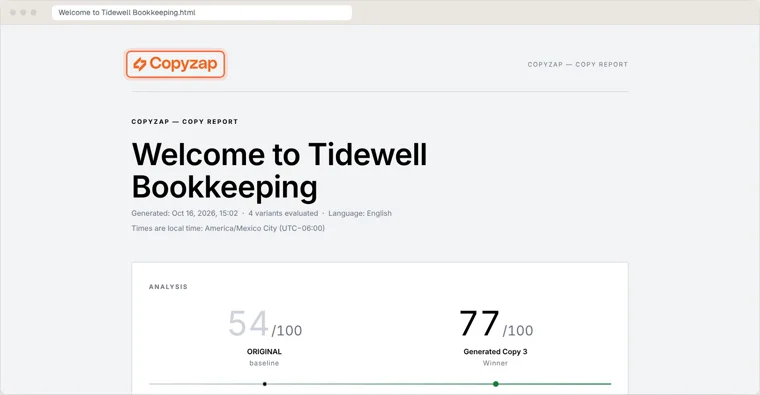
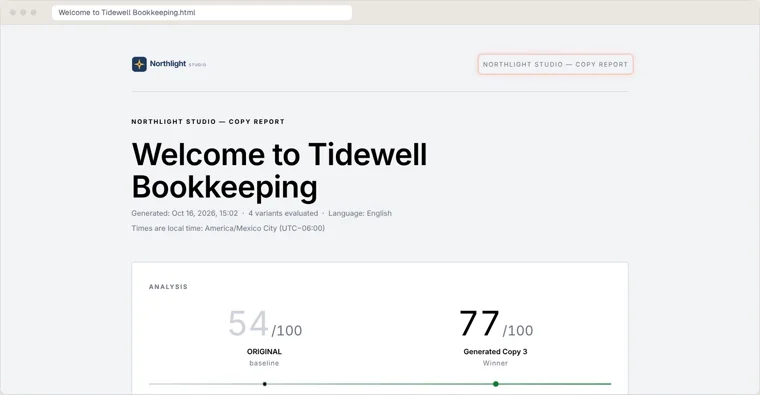
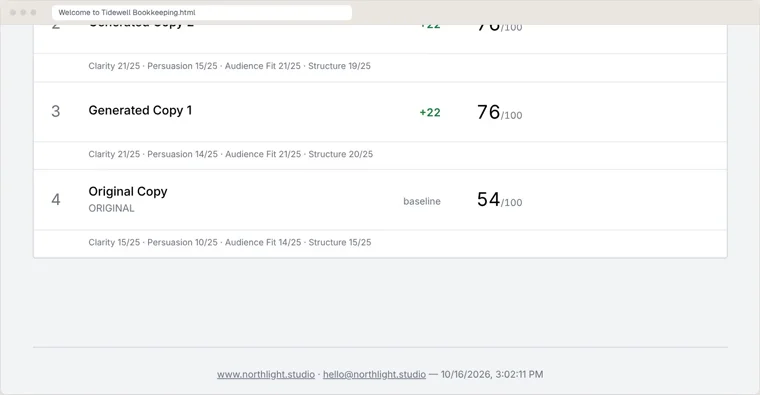
The content of the report stays the same. Your client still sees the original’s score next to the winning version’s score (54 against 77 in this demo run), the scores for every version, and the breakdown by clarity, persuasion, audience fit and structure. Same scores, same proof, under your name.
At the bottom, your footer line shows up with working links. Put your website and email there, and your client can click straight through to you.
Set it up in five steps
It takes about two minutes, and you only do it once.
- Click Report branding at the top. It’s in the main menu, next to Buy credits.
- Type your company name and footer line. The footer line is optional. Most agencies use their website and email, for example “www.northlight.studio · hello@northlight.studio”.
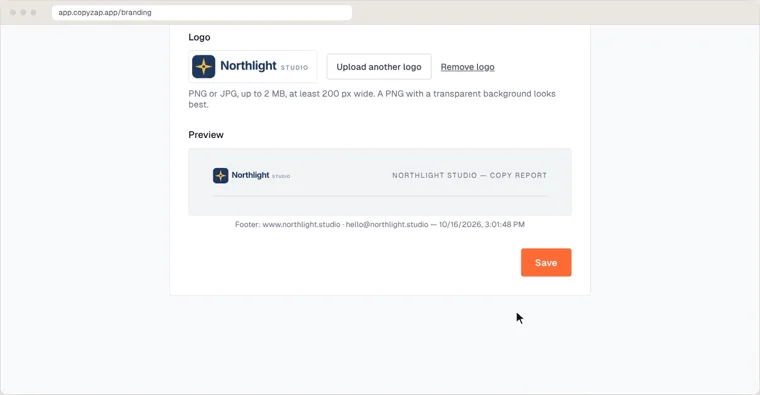
- Upload your logo. PNG or JPG, up to 2 MB, at least 200 px wide. A PNG with a transparent background looks best.
- Check the preview, then Save. The preview shows your header and footer as they’ll appear on the report.
- Run your copy, then Export report. Every report you export from now on carries your brand.
All the details, including character limits, are in the help: Your brand on the report.
Good to know
- It comes with any credit pack. Buy any pack and branding switches on. Every pack gets the same features; there’s no special tier.
- Your branding stays saved. If your credits run out or expire, nothing is lost. Your logo and settings come back as soon as you buy your next pack.
- The free trial uses the standard report. Reports made during the trial keep the CopyZap logo. You can still open the Report branding page to see what you’d get.
Why it matters
A report with your name on it is more than a nicer-looking file. It’s a deliverable your client connects with you, one they can forward to their team without explaining who CopyZap is. Set it up once, and every report after that is yours.
For how to present the winning version in that report, see Stop sending clients “here are 3 options”.